02 Build · App & SaaS
Your product, in Japanese users trust.
Not translated strings — an interface adapted to how Japan reads, pays and asks for help.
01What Japanese users check
What a Japanese user notices first.
Users in Japan judge a foreign product within minutes — on these four things.
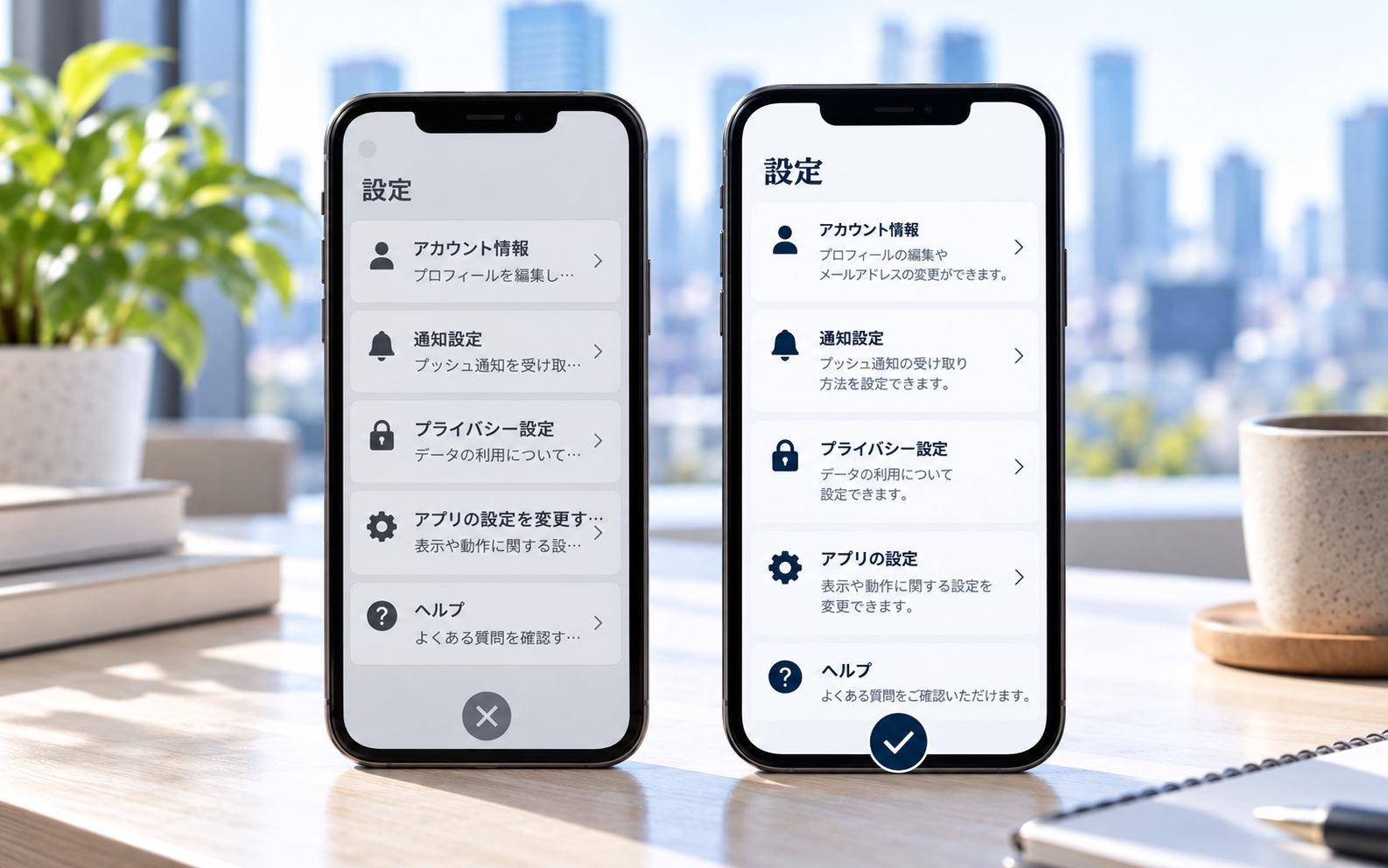
Japanese that reads naturally
Interface text written by native writers, laid out for Japanese fonts and longer strings.
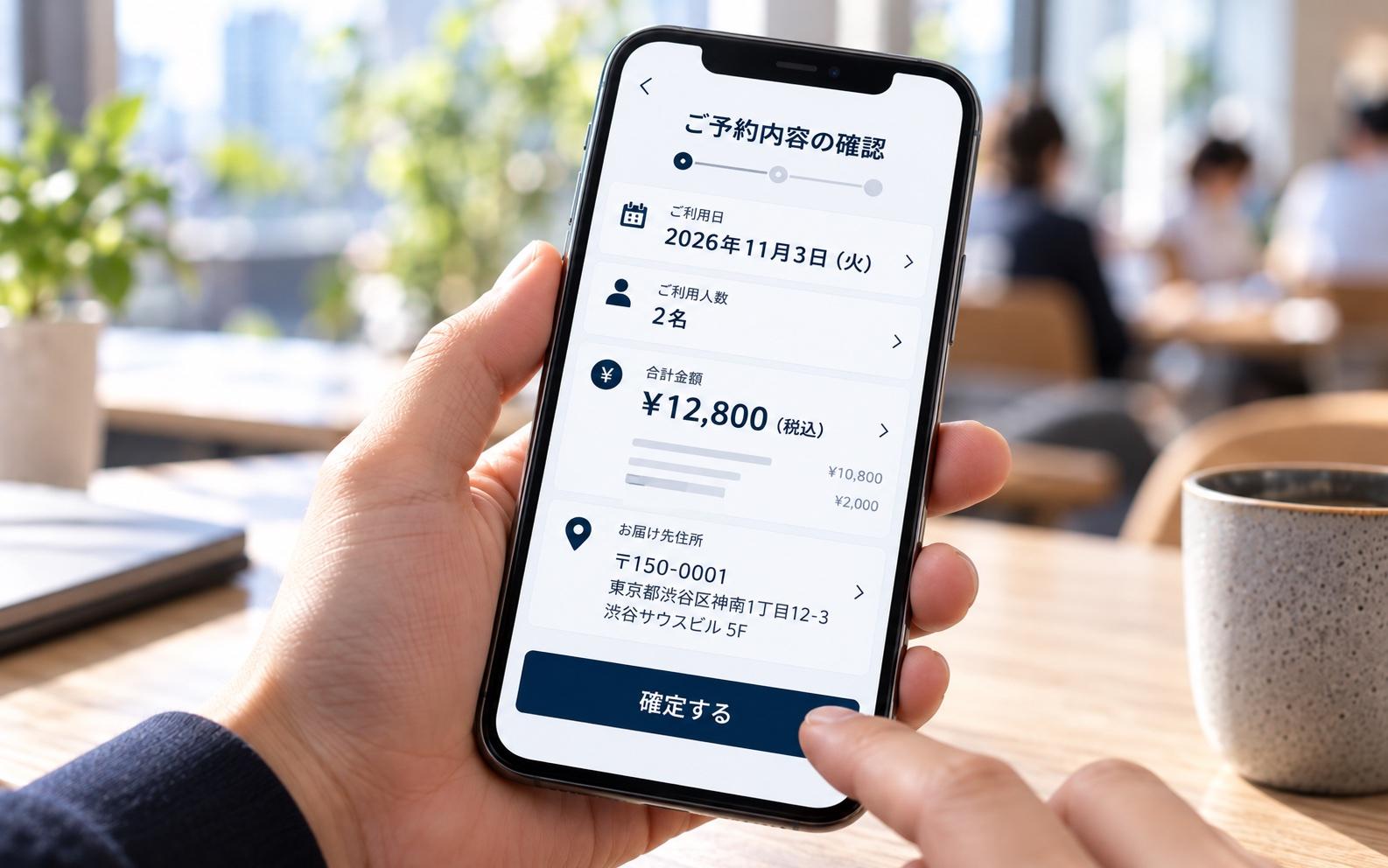
Formats they recognise
Dates, currency and addresses in Japanese formats — not converted afterwards.
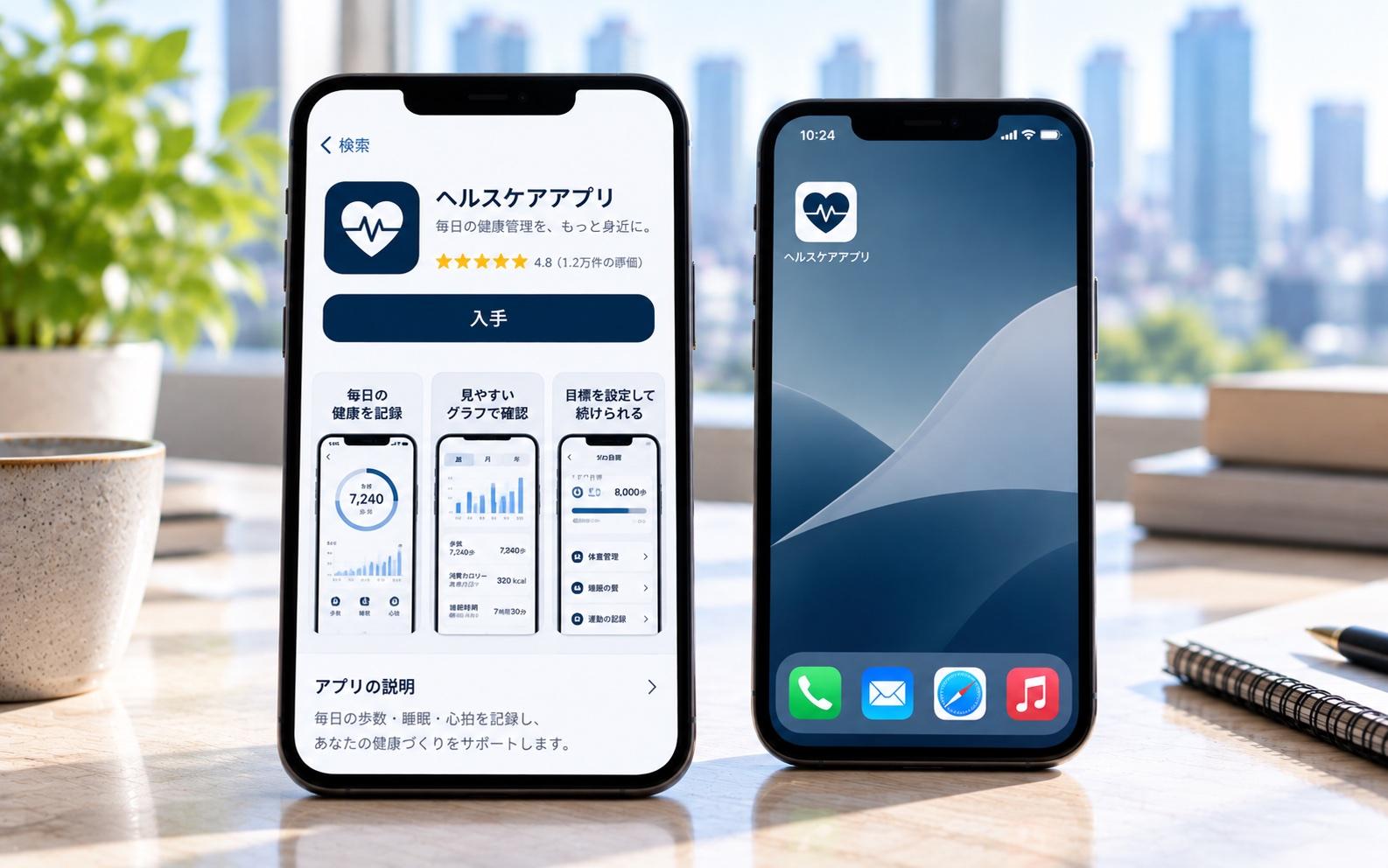
A store page in Japanese
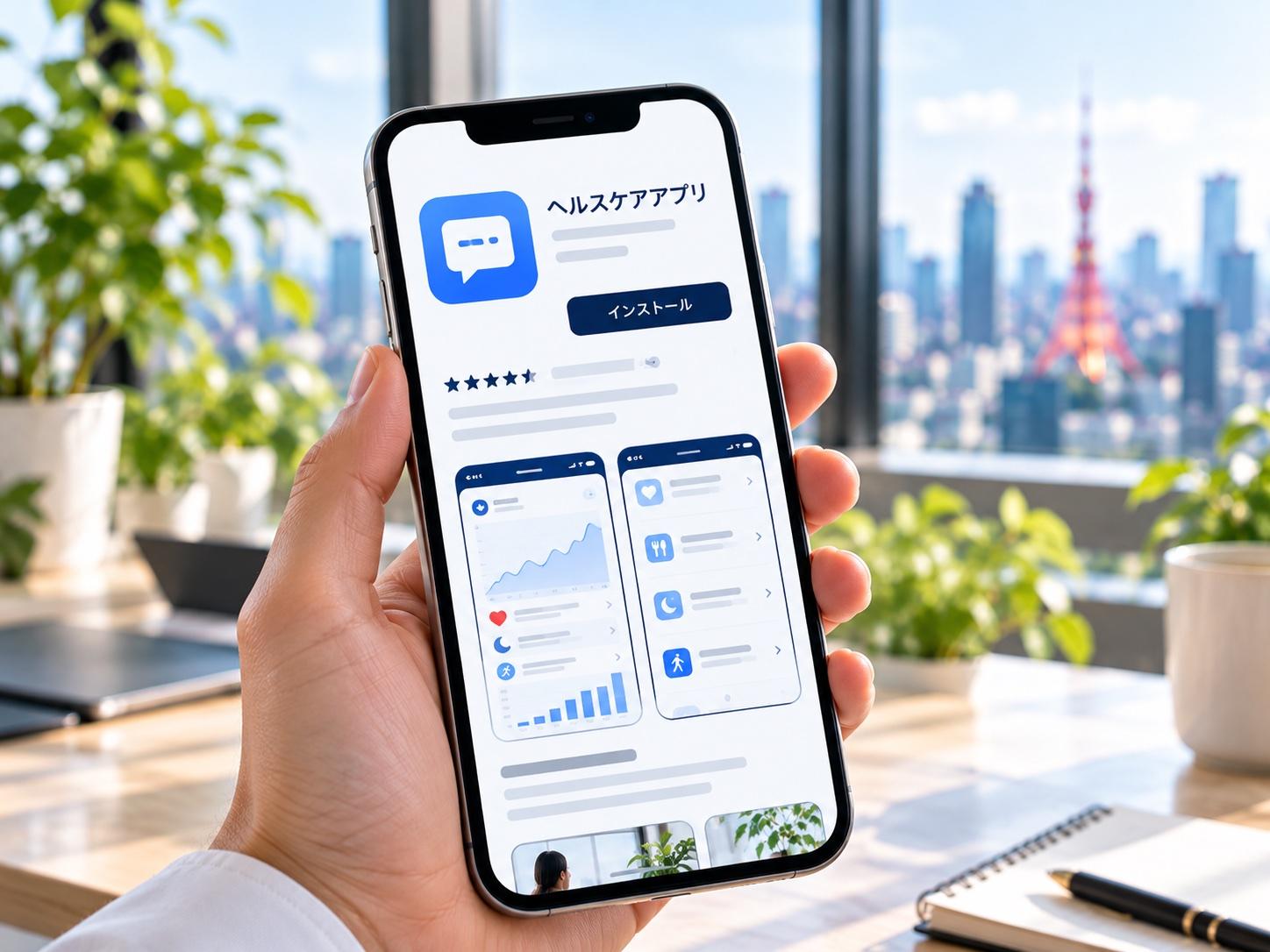
App name, description, screenshots and keywords made for the Japanese store.
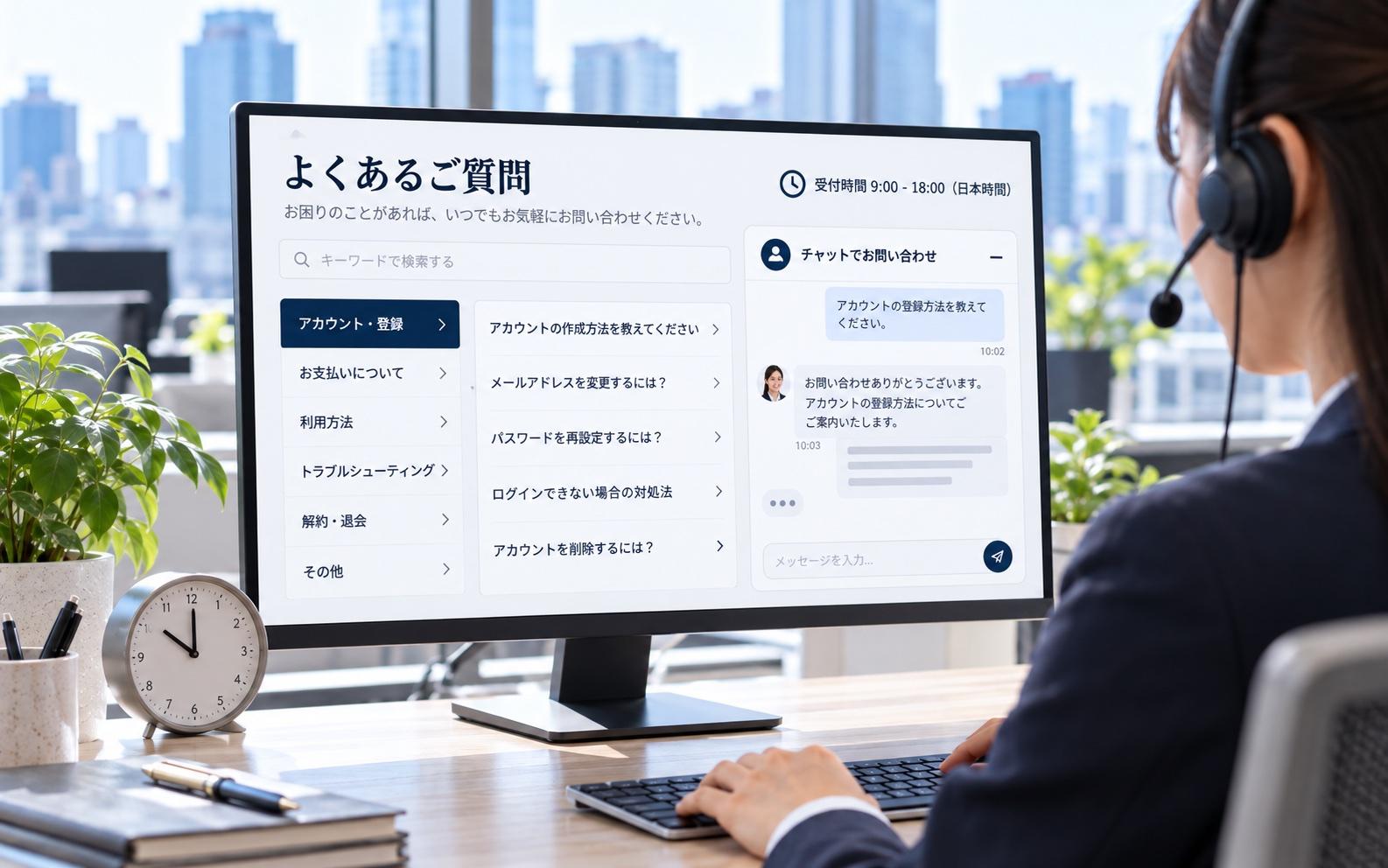
Help in Japanese, in Japan's hours
A Japanese FAQ, help pages and an inquiry route with support hours on Japan time.
02What gets localised
Four parts of the product, adapted.
Adapted to how Japanese users work — not a translation laid over the original.
UI & UX
- Japanese fonts and layout
- Room for longer strings
- Interface conventions users expect
App Store & Google Play
- Japanese app name and description
- Screenshots and previews
- Category and keywords
Landing & pricing page
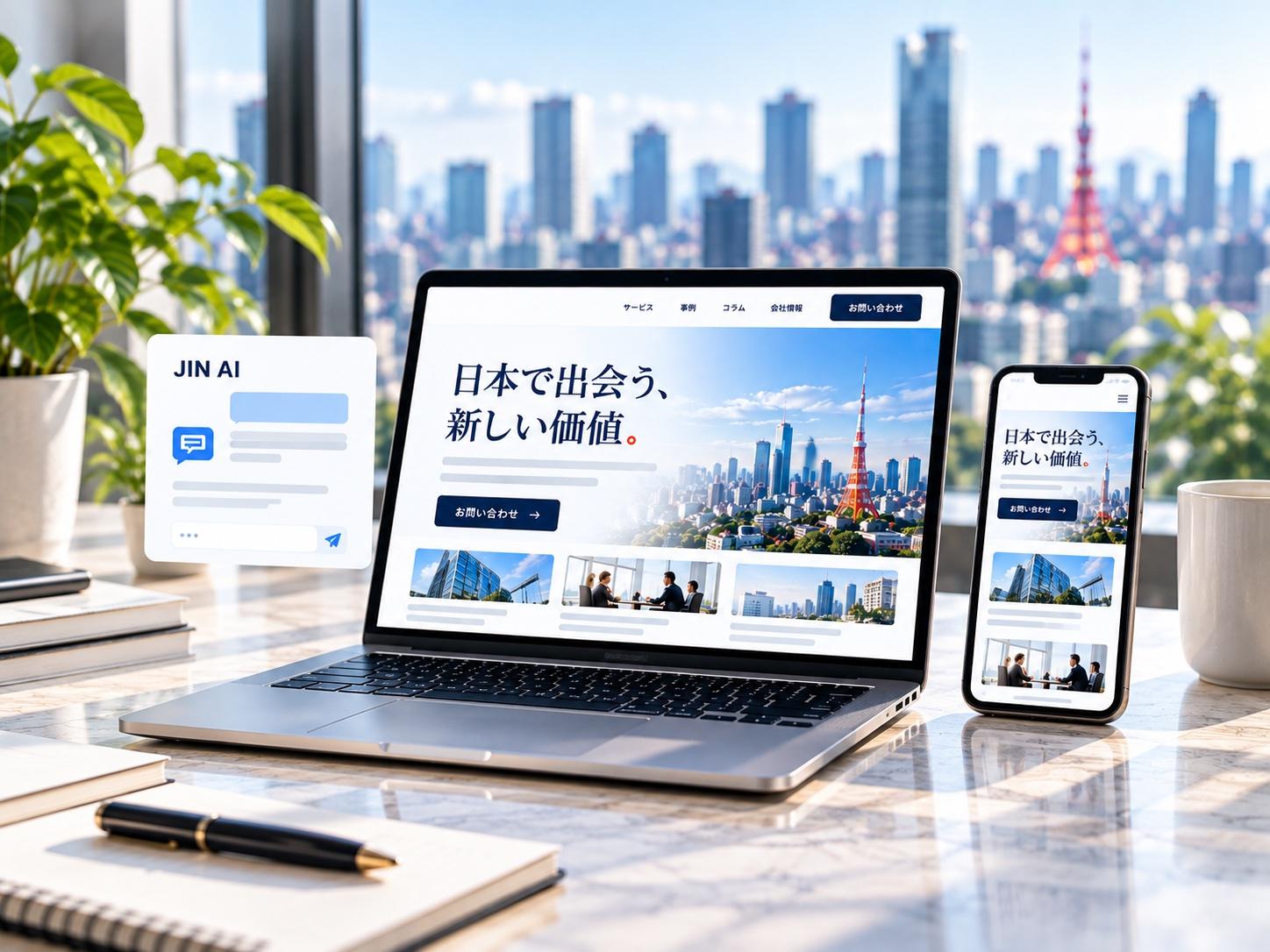
- A Japanese product page
- Pricing in yen
- Japanese business conventions
Help & support
- Japanese FAQ and help centre
- Japanese inquiry route
- Support hours on Japan time
03What you get
Delivered ready to release.
Everything needed to ship the Japanese version, handed over with ownership.
- Localisation audit reportGaps and a prioritised roadmap
- Japanese UI textEvery string, written natively
- Store listing assetsName, description, screenshots
- Japanese landing pageProduct and pricing
- Japanese FAQ & support pagesPlus privacy policy and terms
04How it runs
Six steps, each approved before the next.
Each step starts once you approve the last one, and is invoiced only when it is done.
- 01
Audit
Where the product departs from Japanese habits.
- 02
Plan
What to adapt, in priority order.
- 03
UI adaptation
Fonts, layout and native interface text.
- 04
Store listing
Japanese name, description, screenshots.
- 05
Landing & help
Product page, pricing, FAQ and support.
- 06
Release
Launch of the Japanese version and handover.
05Price
What it costs.
Published ranges. Anything that would go above the top of a range is quoted in writing before work starts.
- Japanese landing page$2,000–$5,000
- Monthly maintenance$350–$600/mo
Localising the product itself depends on its size and is scoped from the audit — before any work starts.
Which of these you need is decided by the Market Entry Report. Full pricing →
Start with the report06FAQ
Questions about apps & SaaS.
Do you translate our whole product?
We adapt it rather than translate it. The audit first finds where the product departs from what Japanese users expect, then a prioritised roadmap decides what changes first — interface text, formats, layout and the flows that matter most.
What about our privacy policy and terms of use?
Both are prepared in Japanese as part of the work, with the privacy policy written for Japan's Act on the Protection of Personal Information, alongside your company details.
Can you answer Japanese support tickets afterwards?
This stage sets support up — the Japanese FAQ, help pages, inquiry route and Japanese hours. Answering inquiries month to month is a running service in the Optimize stage.
Often built together