02 Build · Listings
Where buyers look you up before they visit.
Maps, review and comparison sites, and the marketplaces — found, verified and complete.
01What Japanese buyers check
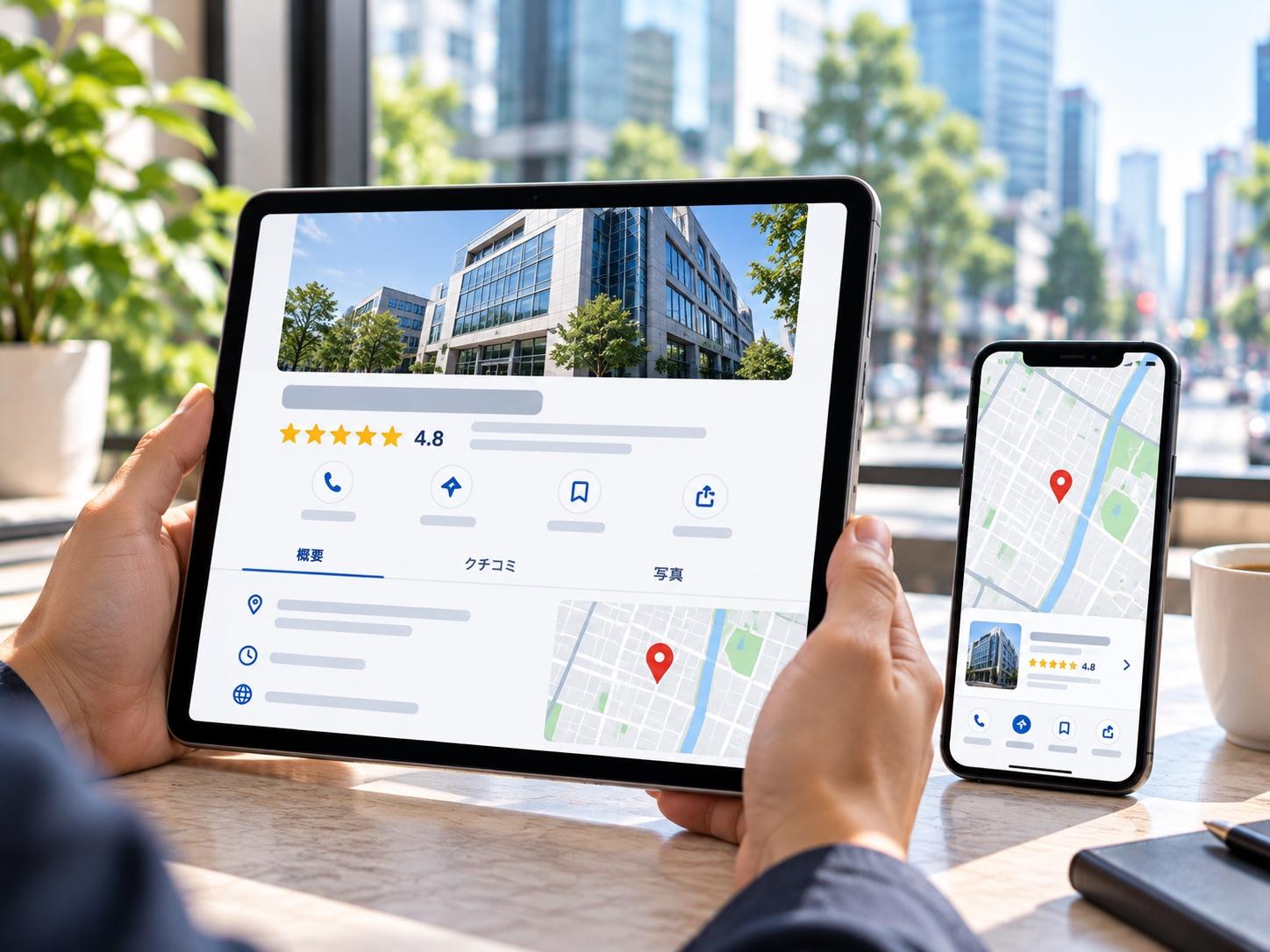
What a Japanese buyer checks outside your site.
Buyers in Japan research longer, from more sources — and trust word of mouth most.
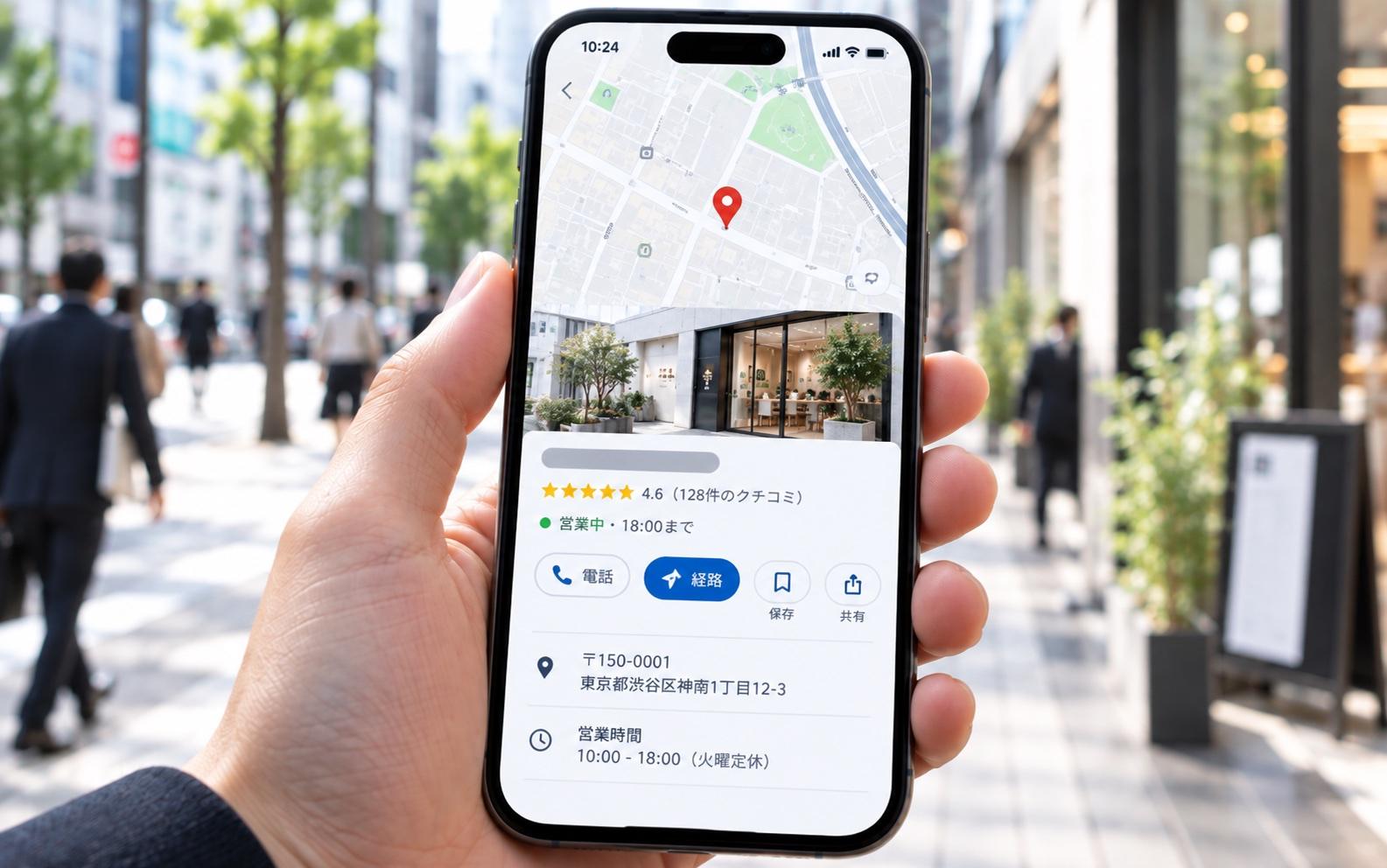
Are you on the map?
Your company, verified, with photos, hours and a way to reach you.
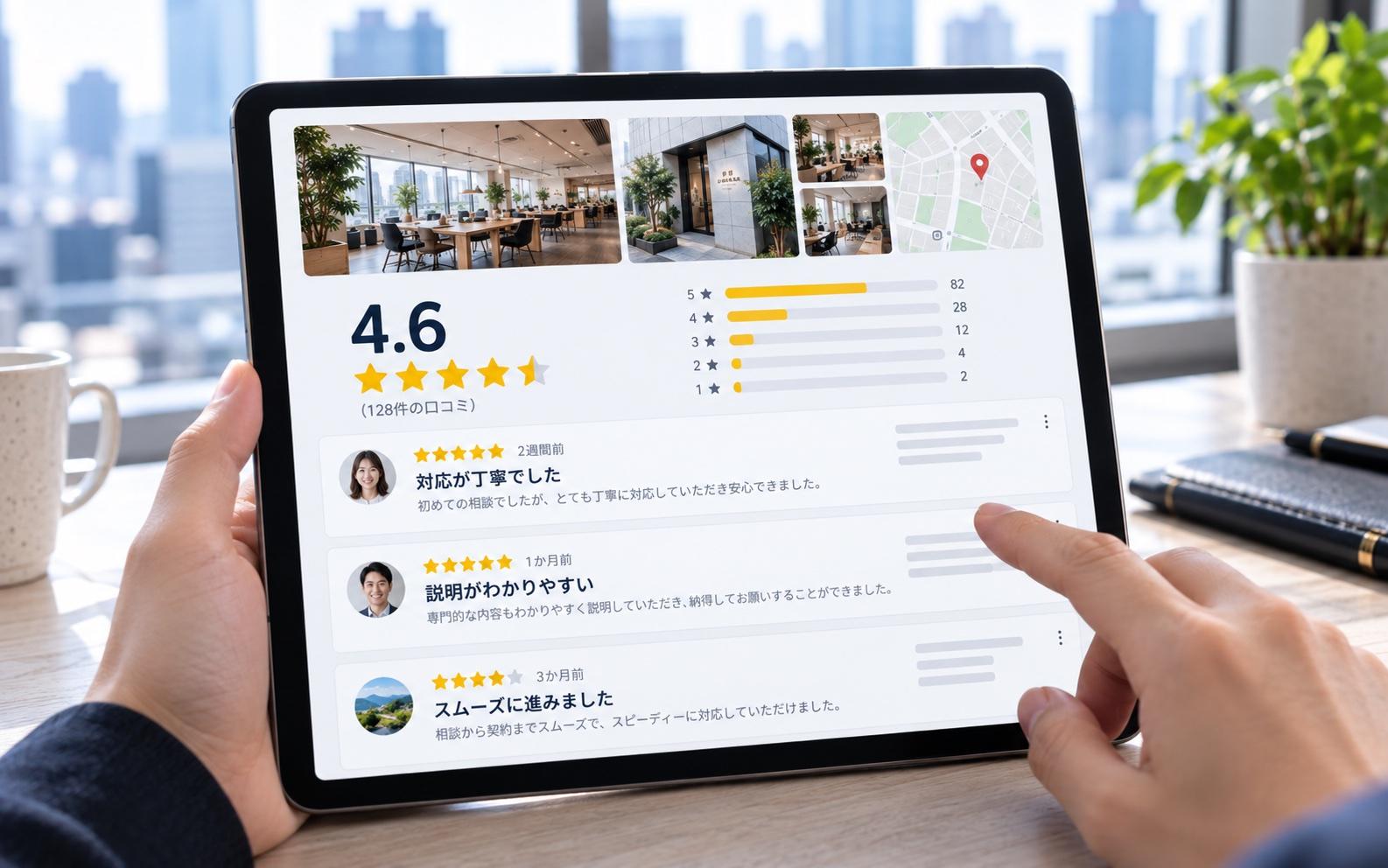
What do others say?
Reviews and comparison sites are where the decision is often made.
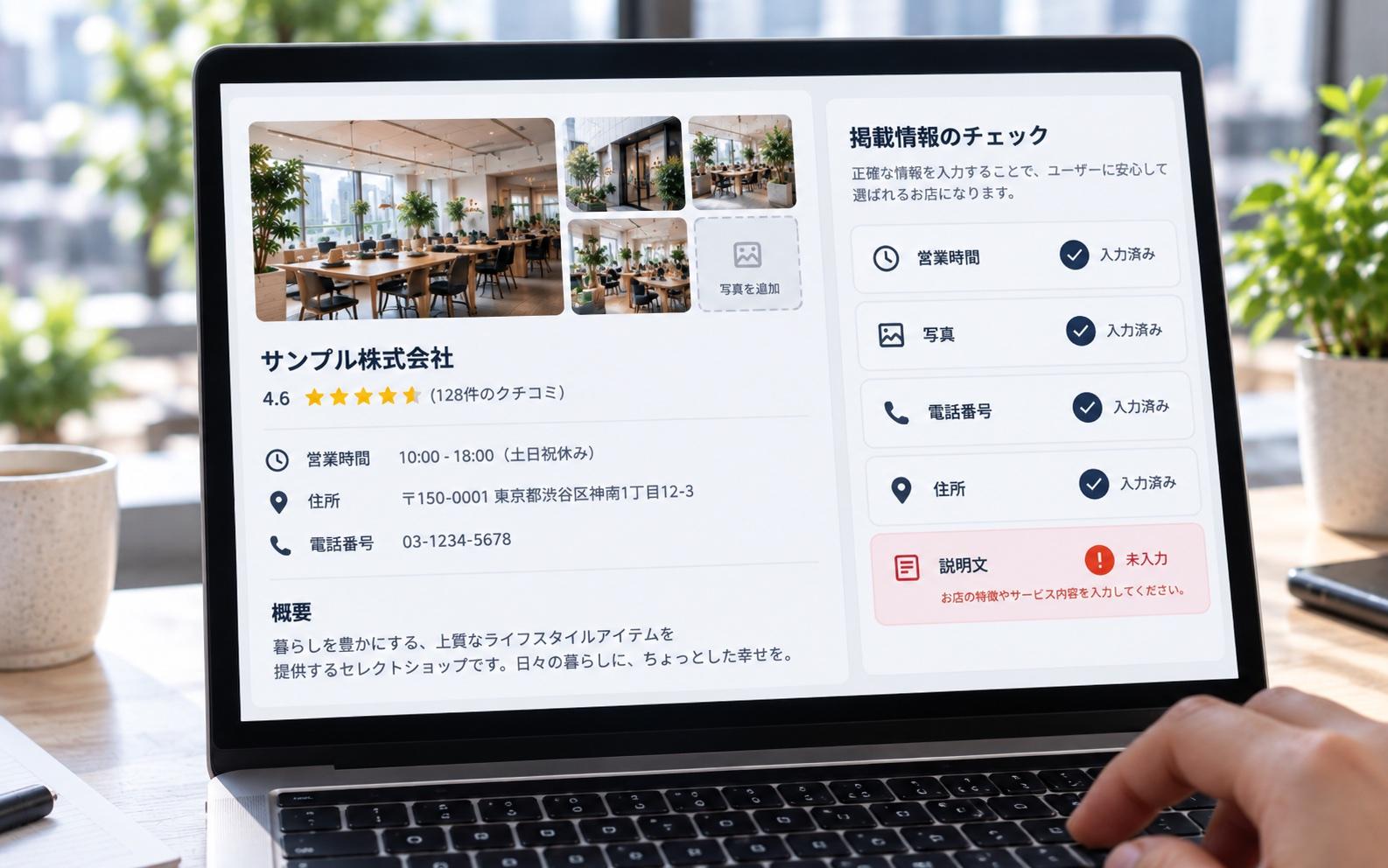
Is anything missing?
In Japan, missing information is read as a warning sign, not as neutral.
02Where you need to be
Three kinds of listing.
Which ones depend on your category. We pick them, pass the review and complete every field.
Google Business Profile
- Registration and address verification
- Photos, services, hours, description
- Review flow and Japanese reply templates
Review & comparison sites
- The sites your buyers use to compare
- Application and review
- Japanese descriptions, images, categories
Marketplaces
- Amazon JP · Rakuten · Yahoo! Shopping
- Application documents
- Product pages and platform rules
Examples by category
- SaaS & IT (B2B)ITreview · BOXIL SaaS · IT Trend
- Tech & electronicsKakaku.com
- BeautyHot Pepper Beauty · @cosme
- Food & restaurantsTabelog · Gurunavi · Retty
- Travel & staysJalan · Rakuten Travel
- HiringIndeed Japan · Wantedly · doda
03What you get
Delivered complete.
Listings you own, fully filled in, and a way to keep reviews coming.
- Optimised Google Business ProfileVerified and complete
- Review flow & reply templatesIn Japanese
- Listing accountsApproved, with full content
- Links to and from your siteBoth directions
04How it runs
Four steps, each approved before the next.
Each step starts once you approve the last one, and is invoiced only when it is done.
- 01
Choose
The listings that fit your category.
- 02
Apply & pass review
Documents, information, the review.
- 03
Optimise
Japanese copy, images, categories.
- 04
Link to your site
Routes in both directions.
05Price
What it costs.
Published ranges. Anything that would go above the top of a range is quoted in writing before work starts.
- Google Business Profile$300–$700
- Review or comparison site$600–$1,200 / platform
- Marketplace store$2,000–$5,000 / marketplace
A full Rakuten store build is scoped as an e-commerce site instead.
Which of these you need is decided by the Market Entry Report. Full pricing →
Start with the report06FAQ
Questions about listings.
Can you get us reviews?
We design how you ask real customers for reviews and write the Japanese reply templates. We never write or buy reviews — that destroys exactly the trust a listing is meant to build.
Which sites fit our category?
It depends on what you sell and to whom. The Market Entry Report analyses each channel for your category one by one, including where your competitors are already listed.
Do we need an office in Japan for Google Business Profile?
A profile is verified against a physical address, so it suits companies with a shop or office here. Without one, the report looks at the other places your buyers check.
Often built together